Live Commerce Quiz Feature: Improved UI
Words by
Shoplive
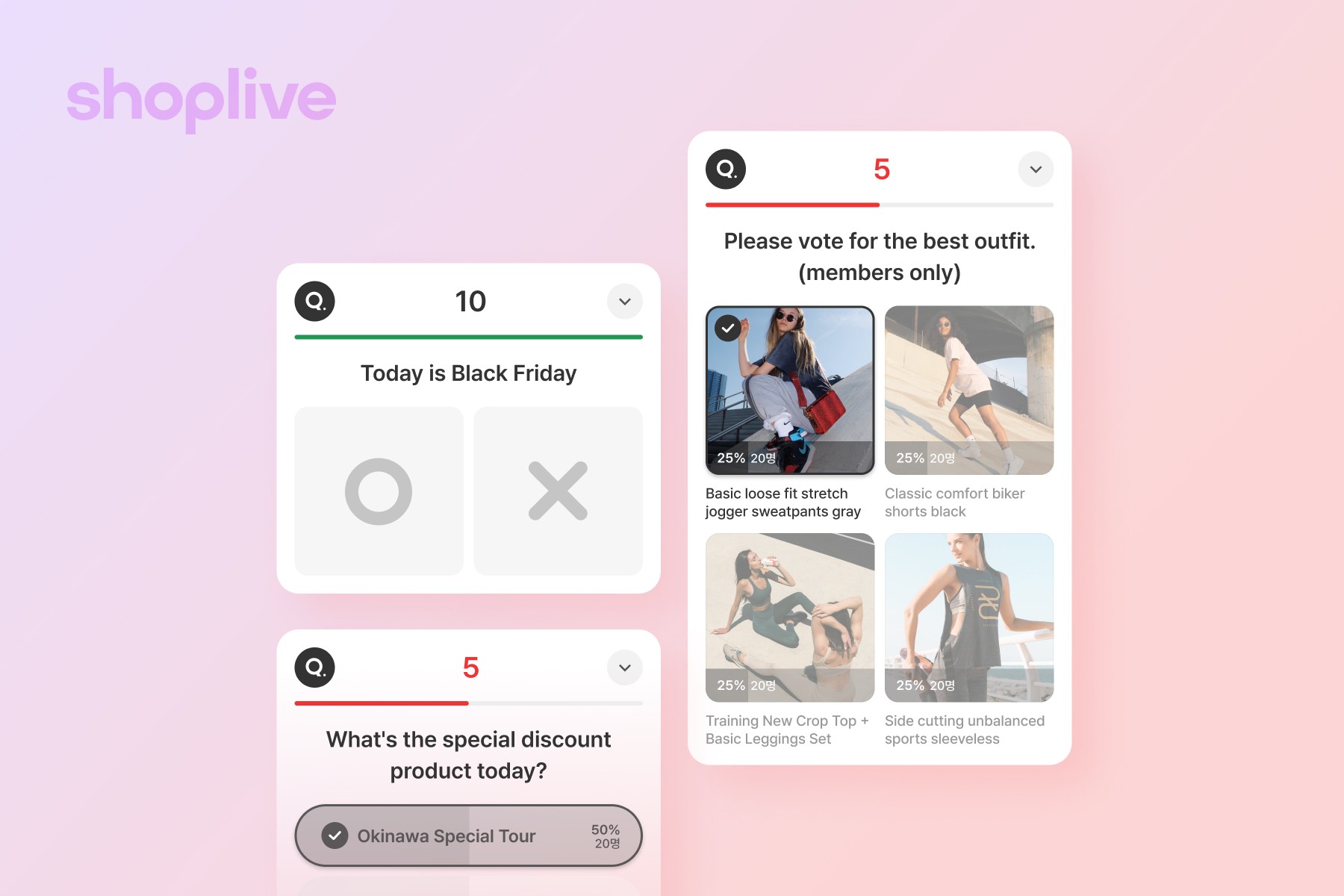
The UI of Shoplive's live commerce quiz feature has been improved. We refined the countdown, the answer options, and the response display to be more intuitive, boosting viewer participation and real-time interaction. Take a look at the improved quiz feature.
The UI of Shoplive's live commerce quiz feature has been improved. We refined the countdown screen, the display of answer options, and the presentation of user responses to be more intuitive, boosting viewer participation and real-time interaction.
A More Eye-Catching Countdown Screen
Viewers can now follow the quiz countdown more intuitively. This helps sharpen their focus and encourages more active participation in the quiz.

Improved Display of Answer Options
To help participants understand the quiz more intuitively, we separated the image from the answer-options area. Even when an option runs long, users can read every detail without missing anything as they work through the quiz.
Improved User Response UI
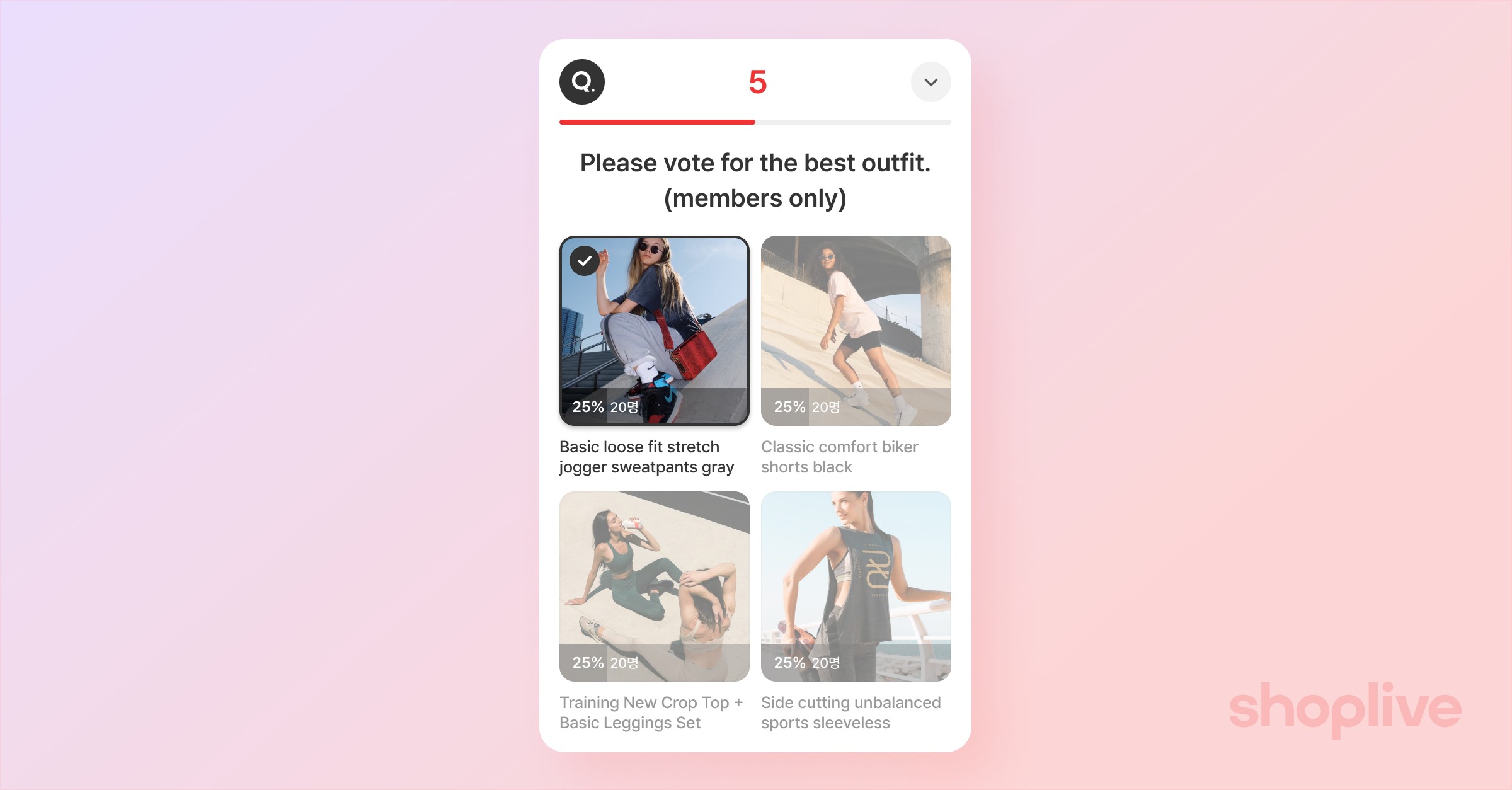
Users often wonder whether their answer was registered correctly. We now clearly indicate the option a user selected and show correct and incorrect answers in an unmistakable UI, preventing any confusion.

Put Shoplive's improved quiz feature to work and start engaging with your viewers in a fun, interactive way! If you have any questions or requests, feel free to reach out to your Shoplive representative anytime. Thank you.
For admin documentation on using the quiz feature, please refer to here.
Frequently Asked Questions
Q. What has been improved in the quiz feature?
We made the countdown screen more eye-catching, separated the image and answer-options areas to improve readability, and refined the UI so that the selected answer and the correct and incorrect answers are all clearly displayed.
Q. Where can I find instructions for the improved quiz feature?
You can find them in Shoplive's admin documentation on using the quiz feature.


