Live Rerun Feature: Run 24/7 Broadcasts
Words by
Shoplive
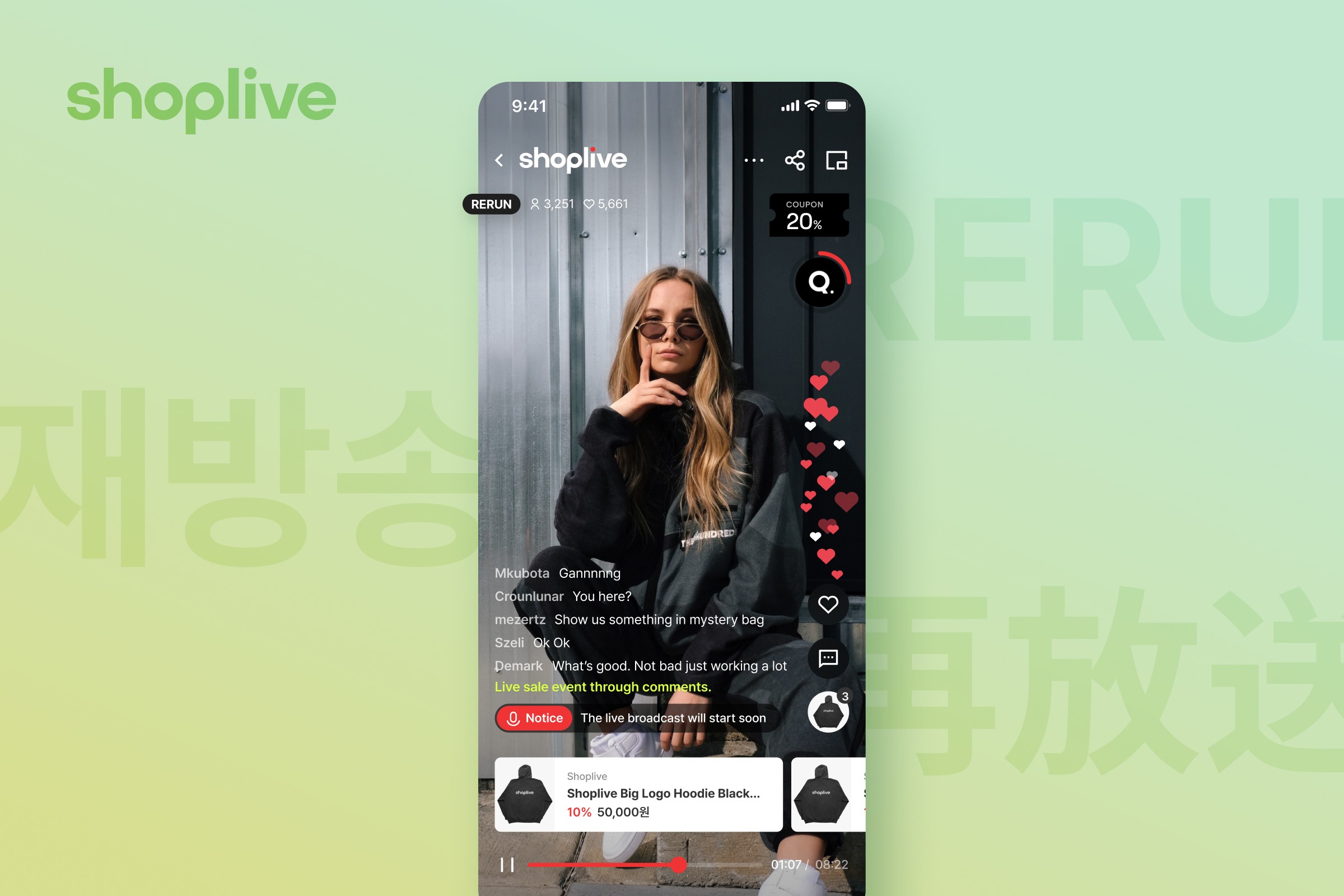
Shoplive has added a live rerun feature. This guide shows how to re-stream your best-performing broadcasts and run them around the clock with scheduled auto-start, expanding your customer touchpoints.
With Shoplive's live rerun feature, you can re-stream broadcasts that resonated with your audience. By using Scheduled Auto-Start, a broadcast begins automatically at the time you set, letting you expand customer touchpoints nonstop, 24/7.
Use Shoplive's rerun feature to re-stream the live broadcasts that drew the best response. The rerun feature lets you broadcast around the clock, 24/7, and broaden your points of contact with customers.
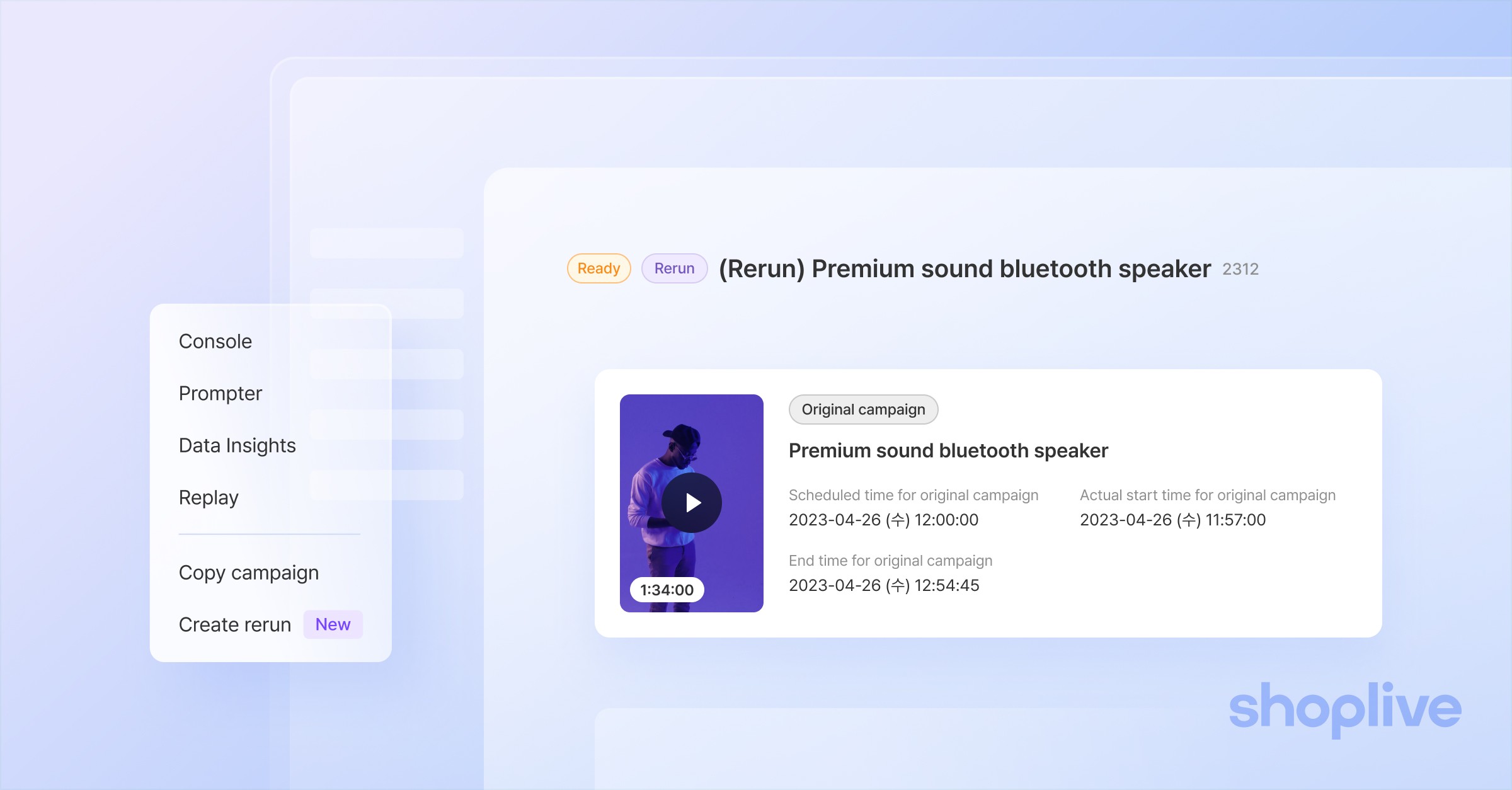
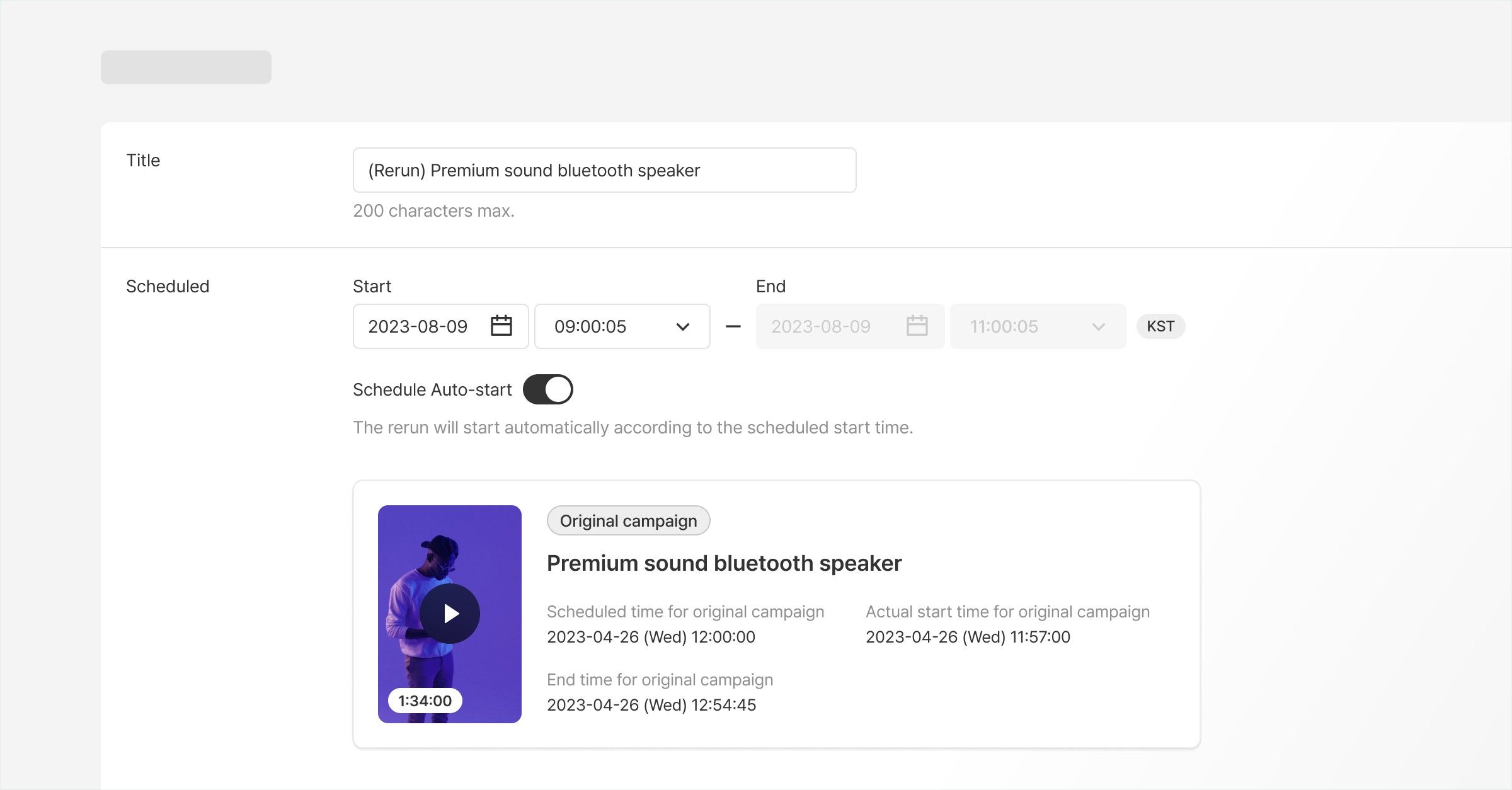
With the Scheduled Auto-Start feature, a broadcast begins automatically at the time you set. You can easily create a rerun while keeping the same products and pop-ups from the original broadcast. Make the most of Shoplive's many features to run your broadcasts efficiently!
In addition to reruns, we will soon introduce a feature for streaming saved broadcasts. This will let you connect with even more viewers and deliver new experiences.
Shoplive is committed to creating a convenient and enjoyable live commerce experience. We will keep bringing you more innovative features and updates. Create even more engaging broadcasts with Shoplive!
If you have any questions or requests, feel free to reach out to your Shoplive representative anytime. Thank you.
For admin documentation on creating reruns, please refer to here.
Frequently Asked Questions
Q. How do I create a rerun?
With the Scheduled Auto-Start feature, a broadcast starts automatically at the time you set, and you can easily create a rerun while keeping the products and pop-ups from the original broadcast.
Q. Can I broadcast 24/7?
Yes. You can re-stream broadcasts that drew a strong response to keep expanding your customer touchpoints nonstop, around the clock.


