Shopifyの自社ECでライブコマースを始める方法

執筆
Sun
編集
Roanne
💡ひと目でわかる要点
Shopifyにスクリプトを貼り付けるだけで、自社ECでライブコマースを始められます。
ライブに加えて、常時掲載のショート動画やオークション・ポップアップなどの購入導線も使えます。カートと決済は今のShopifyのままです。
同時配信でSNSのリーチを取りに行き、購入と顧客データは自社ECに残します。
Shopify(自社EC)でライブコマースを始めるべき理由
ライブコマースを検討するShopifyブランドが、まず突き当たる問いがあります。
「TikTok Shopでライブをやるべきか?」
「InstagramやYouTubeでやるべきか?」
「それとも、自社ECで直接やるべきか?」
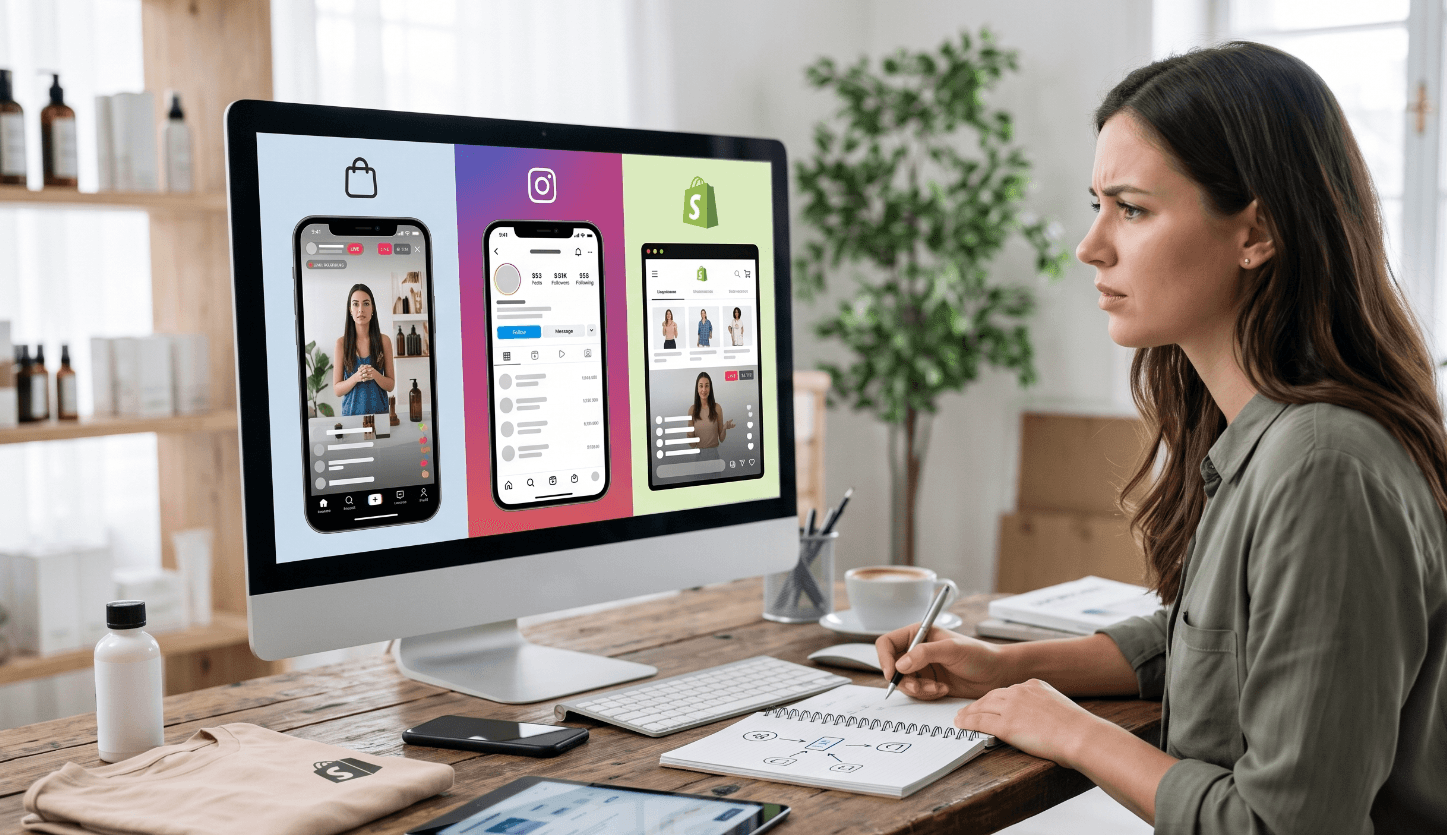
これまでライブコマースは、SNSやプラットフォームの領域と考えられてきました。2025年6月にTikTok Shopが日本に上陸してからは、その流れがさらに強まっています。プラットフォームが持つ大量のトラフィックとコンテンツの生態系を使って顧客と出会い、ライブで商品を売る。理にかなったやり方です。ただ、D2Cブランドが育つほど、もう一つの問いが出てきます。
「自分たちで集めた顧客とコンテンツ、そして購買データを、なぜ自分たちで持てないのか?」
ここから Owned Live Commerce(自社で持つライブコマース) という考え方が始まります。日本のECでいえば、モールに出店するか、自社ECを育てるかという長年の論点が、ライブ配信にもそのまま現れたということです。
顧客を借りることと、顧客を持つことは違います
TikTok ShopやInstagramでライブを配信する最大の利点ははっきりしています。プラットフォームがすでに抱えているトラフィックと顧客を、そのまま使えることです。一方でブランドは、プラットフォームのルールと環境の中で顧客に会うことになります。
Shopifyの自社ECでライブコマースを運用すると、この構造が変わります。自社ECでは、次のことをブランド自身が設計できます。
どの商品を見せるか
どんなコンテンツを届けるか
どの商品をすすめるか
どんなプロモーションを出すか
購入後にどう関係を続けるか
これらがすべて、ブランド自身のコマース環境の中でつながります。結局のところ重要なのは「どこでより多くの人がライブを見るか」ではなく、「ライブで生まれた顧客との関係と購買体験が、誰の資産として残るか」です。これは販売チャネルの違いにとどまらず、誰が顧客体験をコントロールし、顧客との関係を積み上げていけるかという問題です。
ライブとショート動画で、Shopifyの売上を伸ばし続ける
ライブとショート動画(ショートフォーム)は役割が違い、組み合わせると効果が大きくなります。
ライブ配信はその場のやり取りで顧客の疑問を解消し、ショート動画は配信中の見どころを配信後もずっと使える形にします。両方を使えば、ライブは1日だけのイベントではなく、商品を常時見せ続ける仕組みになります。
ShopliveはInstagramなどSNSのコンテンツを取り込む機能にも対応しているので、すでに作ってある動画をそのまま再利用できます。
ショート動画を別撮りする必要もありません。配信中に配信コンソールで商品を「NOW」にして切り替えると、その区間がハイライトクリップの候補として記録され、配信が終わると自動で切り出されます。区間を整えてショート動画として書き出せば、その日の配信が常時掲載の商品動画として残ります。
アーカイブも、配信が終わるとライブページに自動で公開されます。配信を見逃した顧客が入ってくる入口が開いたままになり、特定の配信だけ非公開にすることもできます。1回のライブが1日で終わらない理由がここにあります。
決済は今のShopifyのまま
ライブとショート動画では、視聴中に商品をタップするとプレーヤー内に商品リストが開きます。オプションと数量を選んでそのままカートに追加できるので動画から離れる必要がなく、追加した商品はShopifyのカートにそのまま入ります。画面上部のカートアイコンやカートドロワーも同時に更新されます。ライブでは商品カードをタップするとShopifyの商品ページへ移動し、配信画面内で直接カートに入れたい場合はカートボタンを別途有効にします。
決済は、いつも使っているShopifyのチェックアウトそのままです。決済手段・配送・税設定・注文データが変わらないため、経理やカスタマーサポートの運用を新しく作る必要はありません。税込価格で見せたい場合は税率を指定して表示でき、円・ドル・ウォンの表記に対応します。
購入につなげる機能
Shopliveプレーヤー内の各機能が、視聴を購入に変えます。
リアルタイムオークション : ログイン済みの顧客を対象に、時間制限つきの入札を受け付けます。数量限定品や新商品の先行公開など、いま買う理由がはっきりしている商品に向いています。
ポップアップ : 配信中の適切なタイミングでクーポン、バナー、お知らせ、クイズ、アンケートを表示します。購入を迷っている瞬間に、買う理由をもう一つ足す仕掛けです。
PiPで見ながら回遊 : ライブ画面を小さいウィンドウ(PiP)で表示したまま、自社ECの他の商品を見て回れます。商品を確認しに行ったきり配信に戻らない離脱を防ぎます。
運用インサイト : 商品・チャット・コンテンツを一つの画面で管理し、視聴とコンバージョンのデータを合わせて確認できます。
視聴者はどう集めるのか
自社ECライブの本当の課題は、導入ではなく視聴者です。プラットフォームやSNSにはすでに人が集まっていますが、自社ECは配信を開いて人を連れてくる必要があります。ただし自社ECには、プラットフォーム側にはない資産が一つあります。いま自社ECを見ている訪問者です。
すでに来ている訪問者から集める
ミニプレビューをオンにすると、自社ECに来た訪問者の画面右下で配信中のライブが自動的に小さく再生されます。クリックすると全画面に切り替わり、小さいウィンドウのままでもチャットや商品タップができます。広告費を追加せずに最初の視聴者を集める方法です。
次回配信の予約を受ける
配信予定の一覧に通知登録ボタンを置くと、配信を待っている顧客のリストがたまります。通知の送信は今使っているメールやSMSのツールにつなげばよく、このリストは配信を重ねるほど厚くなります。
UTMで流入経路を押さえる
配信リンクに utm_source・utm_medium・utm_campaign を付けると、どのチャネルが視聴者を連れてきたかをデータインサイトで確認できます。2回目の配信からは、告知チャネルをデータで選べます。
同時配信でリーチを広げる
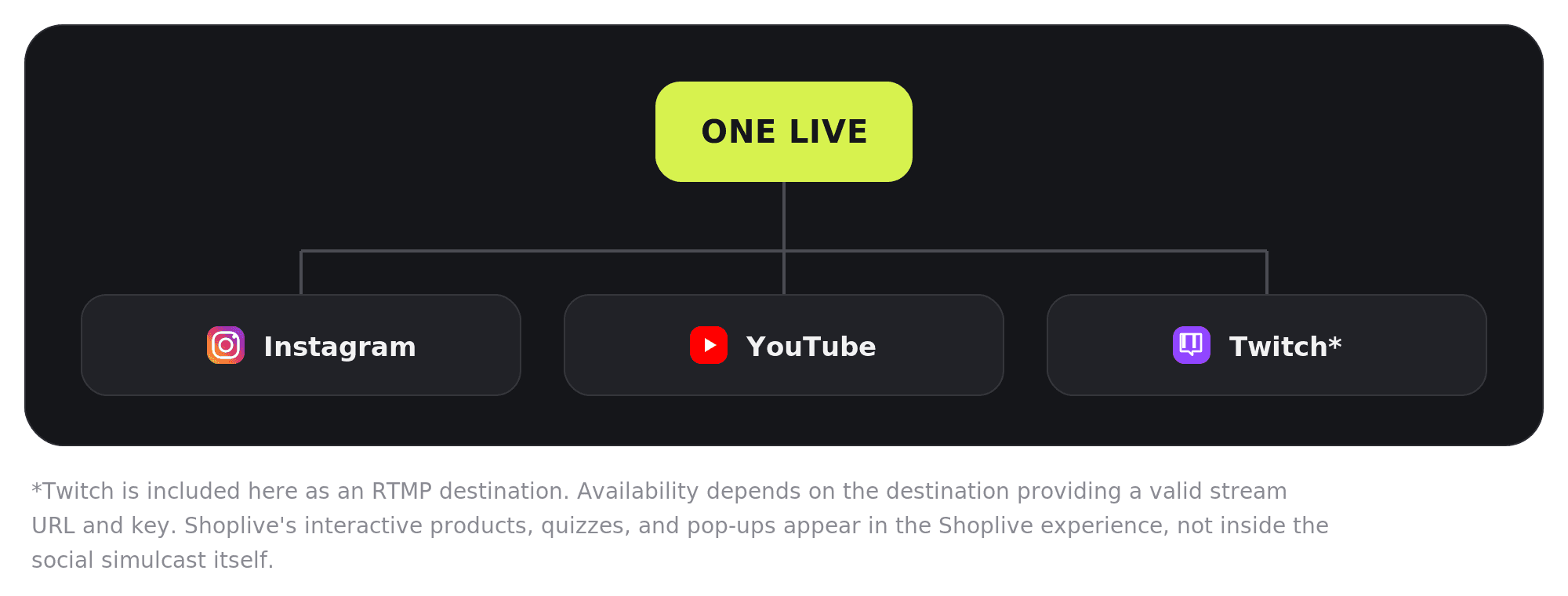
一つのライブ配信を、InstagramやYouTubeなどのSNSへ同時に流せます。
SNSでより多くの人に知らせ、実際の買い物は自社ECで完結させる形です。ただしSNS側の画面には、販売中の商品やポップアップ、クイズは表示されません。配信中に自社ECのURLと参加方法を口頭で案内し、プロフィールや固定コメントにリンクを置いてください。
日本のブランドがショート動画を実際にどう使っているかは、TSIホールディングスの事例にまとめています。
開発リソースなしで導入するShopifyライブコマース
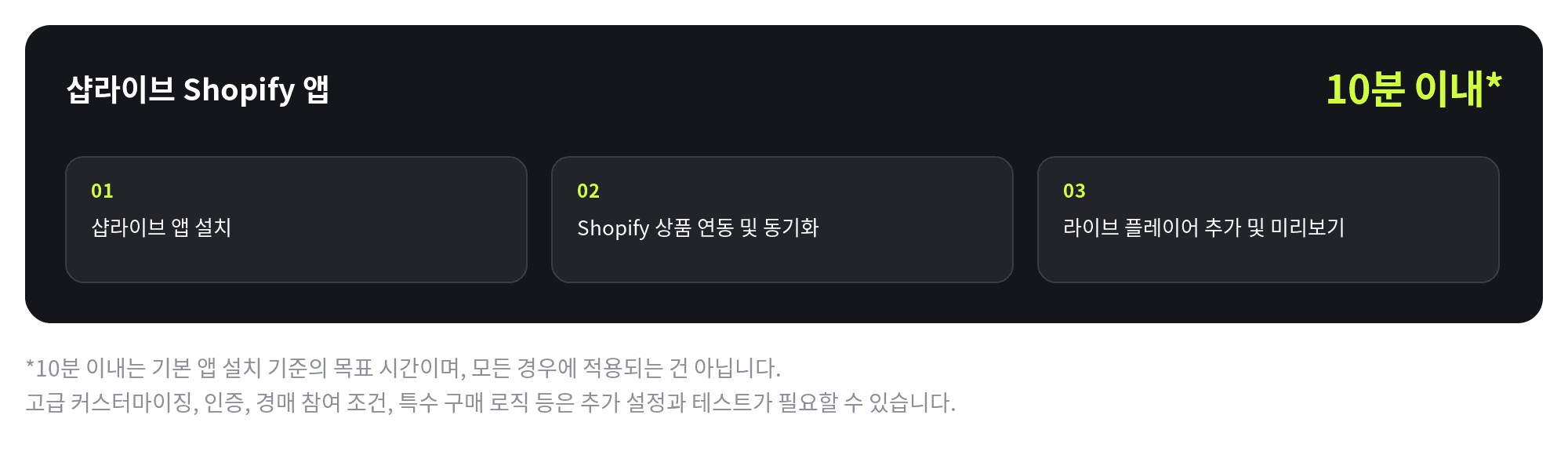
導入は大きく5つのステップです。アプリ内のクリックで終わる部分と、コードを貼り付ける部分に分かれています。
アプリを入れて商品をつなぐ
ShopifyアプリストアでShopliveAssistantをインストールし、Shopliveアカウントでログインすると Access Key が連携されます。続いて同期ボタンを押すと、Shopifyの商品がそのまま取り込まれます。以降は変更のあった商品だけを反映でき、オプションのある商品はオプション単位に分けて同期することもできます。テーマとページにスクリプトを入れる
テーマのコード編集でtheme.liquidにShopliveのスクリプトを貼り付け、ライブを見せるページを1つ作ってプラグイン用のコードを入れ、メニューに追加します。ライブとショート動画ではスクリプトが異なります。ログイン済みの顧客情報も一緒に渡すと、チャットの表示名とコンバージョンデータが人単位でつながります。ミニプレビューをオンにする
Shoplive管理画面のプラグイン設定で、配信バナーとPiPを「使用」に切り替えます。自社ECに来た訪問者の画面右下で配信中のライブが小さく再生され、クリックすると全画面になります。コンバージョン計測を入れる
Shopify設定の「顧客イベント」でカスタムピクセルを追加し、Shopliveのスクリプトを入れます。決済が完了したタイミングで注文番号と商品コードが渡り、視聴と購入がつながります。リハーサルで確認する
初回配信の前にリハーサルモードをオンにすると、リハーサル入場コードを知っている人だけが見られる状態で、本番と同じ設定でテストできます。
1と3はクリックだけで終わり、2と4はガイドにあるコードを貼り付ける作業です。アプリの導入からプレーヤーが表示されるまでは10分以内を目標にしています。各ステップの画面と入れるコードはShopify連動ガイドとショートフォームの基本実装ガイドにそのまま載っています。アプリはShopifyアプリストアから無料でインストールできます。
リアルタイムオークションや配信通知のようにログイン済みユーザーを識別する機能、プレーヤー内で直接カートに追加するライブ専用の動作は、認証連携と機能の有効化リクエストが別途必要です。
FAQ
Q. SNSやプラットフォームでライブをするのと、自社ECでするのは何が違いますか?
プラットフォームはすでに集まっている視聴者を貸してくれますが、顧客と購買データはプラットフォーム側に残ります。自社ECでライブをすると視聴者を自分で連れてくる必要がある代わりに、購買履歴と連絡先がブランドの資産として蓄積され、商品・プロモーション・決済を一か所で管理できます。どちらか一方を選ぶ必要もありません。プラットフォームやSNSでより多くの人に知らせ、購入は自社ECで受ける形で併用できます。
Q. Shopifyへの導入に開発は必要ですか?どのくらいかかりますか?
新しく開発するコードはありません。商品の同期はアプリに任せ、プレーヤーの表示とコンバージョン計測はガイドにあるスクリプトを貼り付けるだけです。基本の導入は10分以内を目標にしています。ただしリアルタイムオークションや配信通知のようにログイン済みの顧客を識別する機能は、認証連携と機能の有効化リクエストが別途必要で、時間ももう少しかかります。
Q. ライブで売れた注文と売上はどこで確認できますか?
注文はShopifyの注文としてそのまま入ります。カートも決済もShopifyを使うため、在庫や経理はこれまでどおりです。そのうえでコンバージョン計測を入れると、動画を3秒以上見た顧客が28日以内に購入した場合にその注文がコンバージョンとして記録されます。ライブ・アーカイブ・ショート動画を分けて集計するので、どの動画が売上を作ったかを確認できます。
Q. ライブを始めても見る人がいないのではないですか?
最初の視聴者は、たいていすでに自社ECに来ている訪問者です。ミニプレビューをオンにすると訪問者の画面右下に配信中のライブが小さく表示され、クリック一つで配信に入れます。そこに通知登録で次回配信を待つリストを積み、InstagramやYouTubeへ同時配信して多くの人に知らせれば、配信を重ねるごとに視聴者が増えていきます。
Q. 費用はどのくらいですか?
ShopifyアプリストアのShopliveAssistantアプリは無料でインストールできます。利用料金は配信の規模と必要な機能によって変わります。小さく始めるブランドは基本構成で、Shopify Plusを使うブランドは認証やデータ連携まで広げて使えますので、お問い合わせいただければ状況に合わせてご案内します。


